

One governed AI front desk
Answer routine questions, collect customer details, and route high-intent conversations before an operator opens the inbox.
Bonalta AI handles calls and messages, qualifies requests, books the next step, and brings urgent conversations to your team with context.
24/7
answering coverage
6
connected channels
$99
per month to start
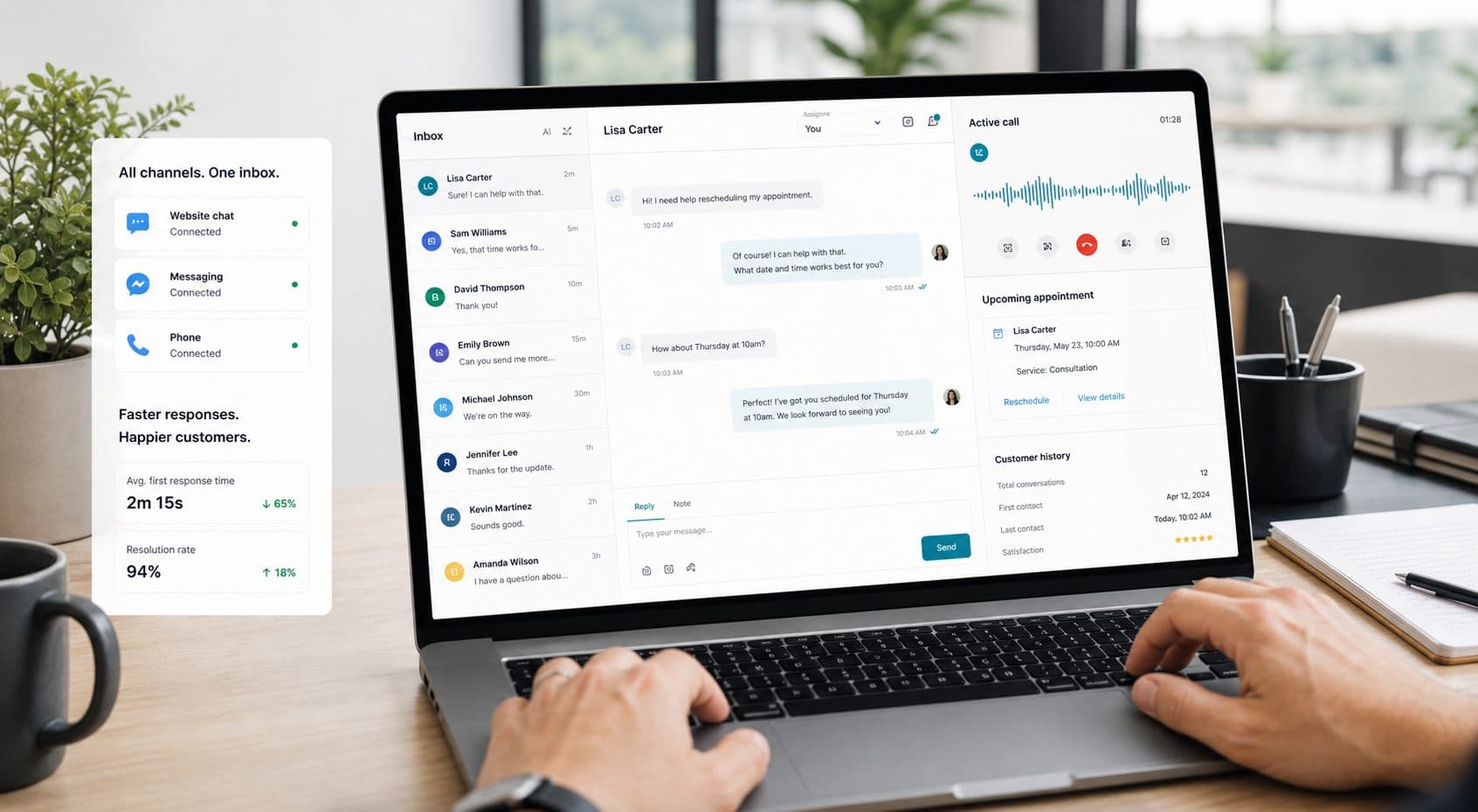
Covers the channels customers already use
Bonalta AI separates customer work from platform administration so operators get a clean queue while administrators keep control of agents, knowledge, providers, routing, and approvals.
Answer routine questions, collect customer details, and route high-intent conversations before an operator opens the inbox.
Bring web chat, SMS, Meta channels, WhatsApp, and Twilio voice into a workspace built for customer operations.
Escalate emergencies, lead follow-up, appointments, and sensitive threads with the transcript and customer profile intact.
Platform teams manage organizations, agents, knowledge, providers, approvals, and callback health away from the daily inbox.
The workspace is organized around the work that matters after a customer reaches out: messages, leads, appointments, emergencies, voice recordings, and channel health.
Workspace queue
Today at a glance
12
open conversations
5
qualified leads
3
appointments held
1
urgent escalation
Illustrative queue — your numbers come from your own channels.
Attach web chat, SMS, Meta, WhatsApp, and Twilio voice paths to the business workspace.
Assign knowledge, tools, voice tier, routing policy, and escalation rules from the platform surface.
Review conversations, emergencies, leads, appointments, and handoffs from one focused workspace.
These are the modules your team works in, not a roadmap.
One queue for every channel, with AI replies, operator takeover, and voice recordings on the same thread.
Captured contacts with source, status, and stored lead intelligence from the conversation that created them.
Bookings the agent holds, on a calendar your team can reschedule, complete, or cancel.
Medical, mental health, and safety signals detected in a conversation and raised for acknowledgement.
Profiles that carry identities, facts, and per-customer AI control across channels.
Business knowledge, tools, and agent configuration, governed by approvals before anything goes live.
A credit is one cent of usage. Voice, SMS, and web chat all spend from the same monthly allowance, so a busy phone week never freezes your web chat — and the workspace shows exactly where the credits went.
For small teams launching their first AI answering channel.
$99/mo
For teams answering customers across calls and messages.
$299/mo
For growing teams that need more control and support.
$799/mo
Need a custom credit volume or a dedicated onboarding? Talk to us.
Every plan includes a monthly pool of credits, and one credit is one cent of usage. Starter at $99/mo includes 3,300 credits, Growth at $299/mo includes 10,000 credits, and Pro at $799/mo includes 26,600 credits. Voice, SMS, and web chat all draw on that same pool, so you are never blocked in one channel because another was busy.
Voice runs on one of two tiers you pick per agent: Standard voice uses about 20 credits a minute, and Premium voice uses about 64 credits a minute. Those are estimates for planning — you are billed on real metered usage, and the workspace shows credits used against credits included at any point in the month.
No. The product is designed around customer operations: web chat, voice calls, lead capture, appointments, emergencies, handoff, and platform governance.
Yes. Operators use the workspace inbox to review context, respond directly, and handle escalations when the AI should step aside.
The platform surface keeps organization setup, providers, agents, knowledge, callbacks, and approvals separate from the customer-facing workspace.
The app includes surfaces for web chat, SMS customer care, Meta messaging, WhatsApp, and Twilio voice workflows, with channel setup managed from the workspace and platform areas. SMS recipients can reply STOP to opt out or HELP for help.
Start with the workspace, then bring platform controls online as your agents and channels grow.